From screen to filing: every candidate gets verified on EDGAR before it earns your time
What you will learn
- Why screener numbers are secondhand and filings are the source
- What EDGAR is, and the three forms to know first
- A five-step routine that verifies any candidate in about fifteen minutes
- How to search across filings, including our own filings-search page
A screener’s numbers are like a WhatsApp forward: usually right, but you have not seen the original. For US companies the original exists, it is free, and the law says it must exist. Before any name from a screen earns your reading time, you check it against the company’s own filings. This chapter is the habit that separates readers from clickers.
Meet EDGAR
EDGAR is the online filing cabinet of the SEC, the Securities and Exchange Commission, the US market regulator and roughly what SEBI is in India. Every US-listed company must file its reports there, signed, under law. Three forms to know first: the 10-K, the big annual report; the 10-Q, the quarterly update; and the 8-K, sudden news like a boss leaving or a factory closing.
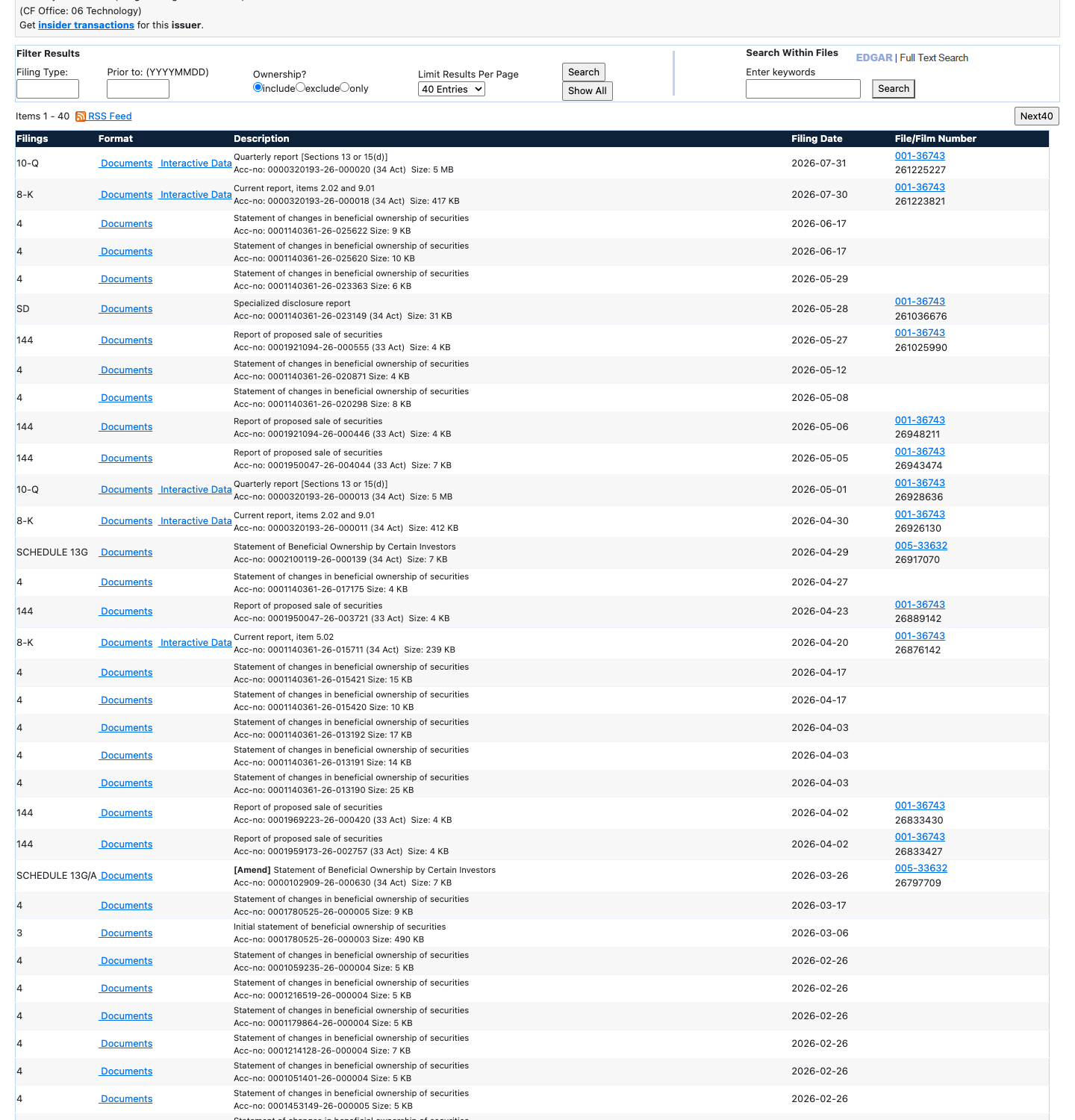
Notice the steady stream of forms: this is where every serious number about Apple is born.
The verification routine
Five steps, about fifteen minutes per company:
- Find the company on EDGAR.
- Open its newest 10-K.
- Check the exact numbers your screen used: revenue, profit, debt.
- Read Item 1A, the risk factors.
- Skim Item 7, where the managers explain the year in their own words.
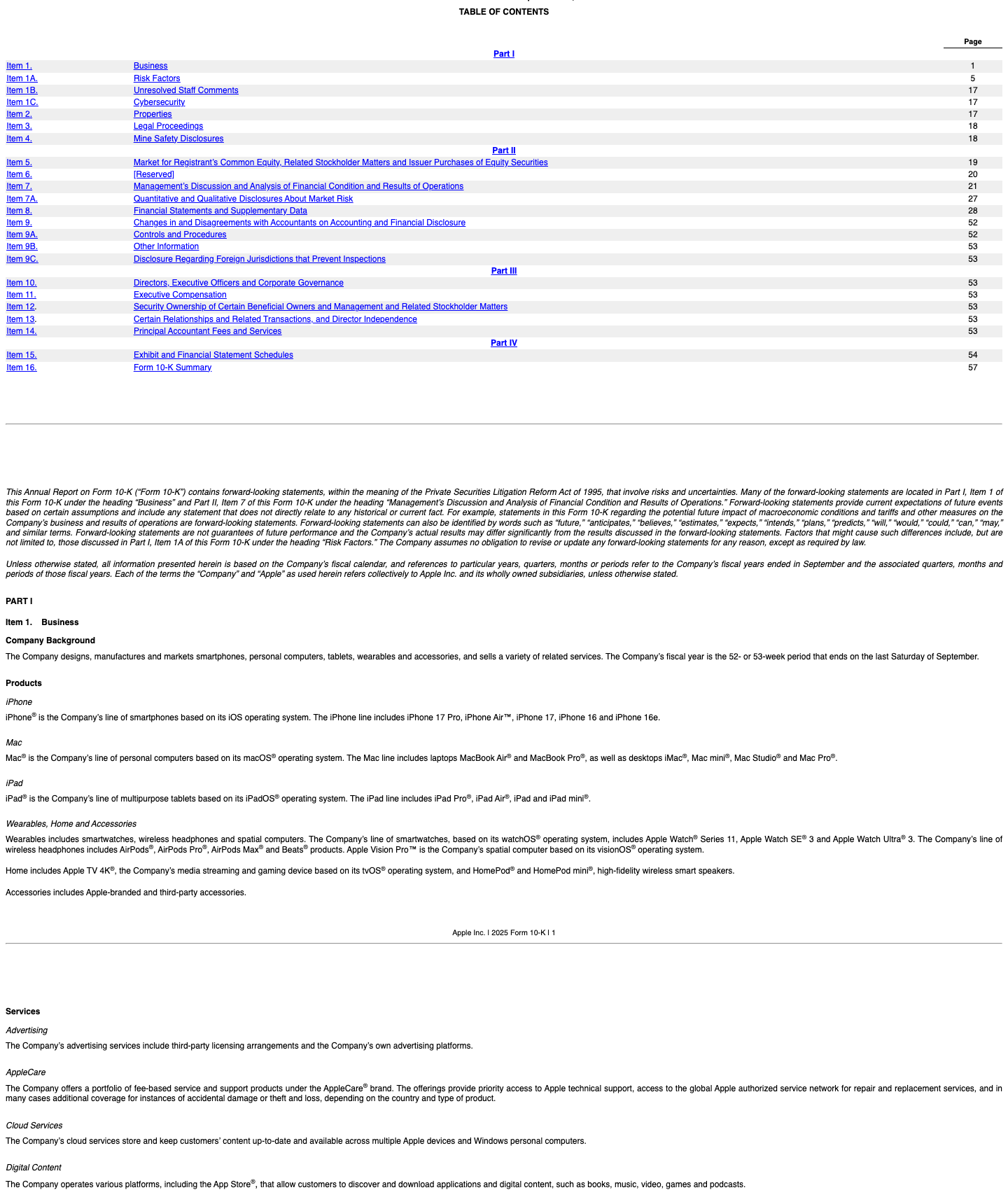
Notice how the 10-K is organised into numbered items, so Items 1A and 7 are easy to jump to.
Small differences between a screener and a filing are normal: websites sometimes adjust numbers or add quarters together differently. A big difference is a red flag about the website’s data, and a reason to trust only the filing.
And if a company does not file at all, or files late again and again, that silence is also an answer: cross it off and move on. Companies that respect their shareholders tend to respect their filing deadlines too.
Searching instead of scrolling
EDGAR also has a full-text search: type a phrase like “supply chain” and it searches millions of filings at once. Our own filings-search page does something similar for a curated set, built to be friendly for readers like you.
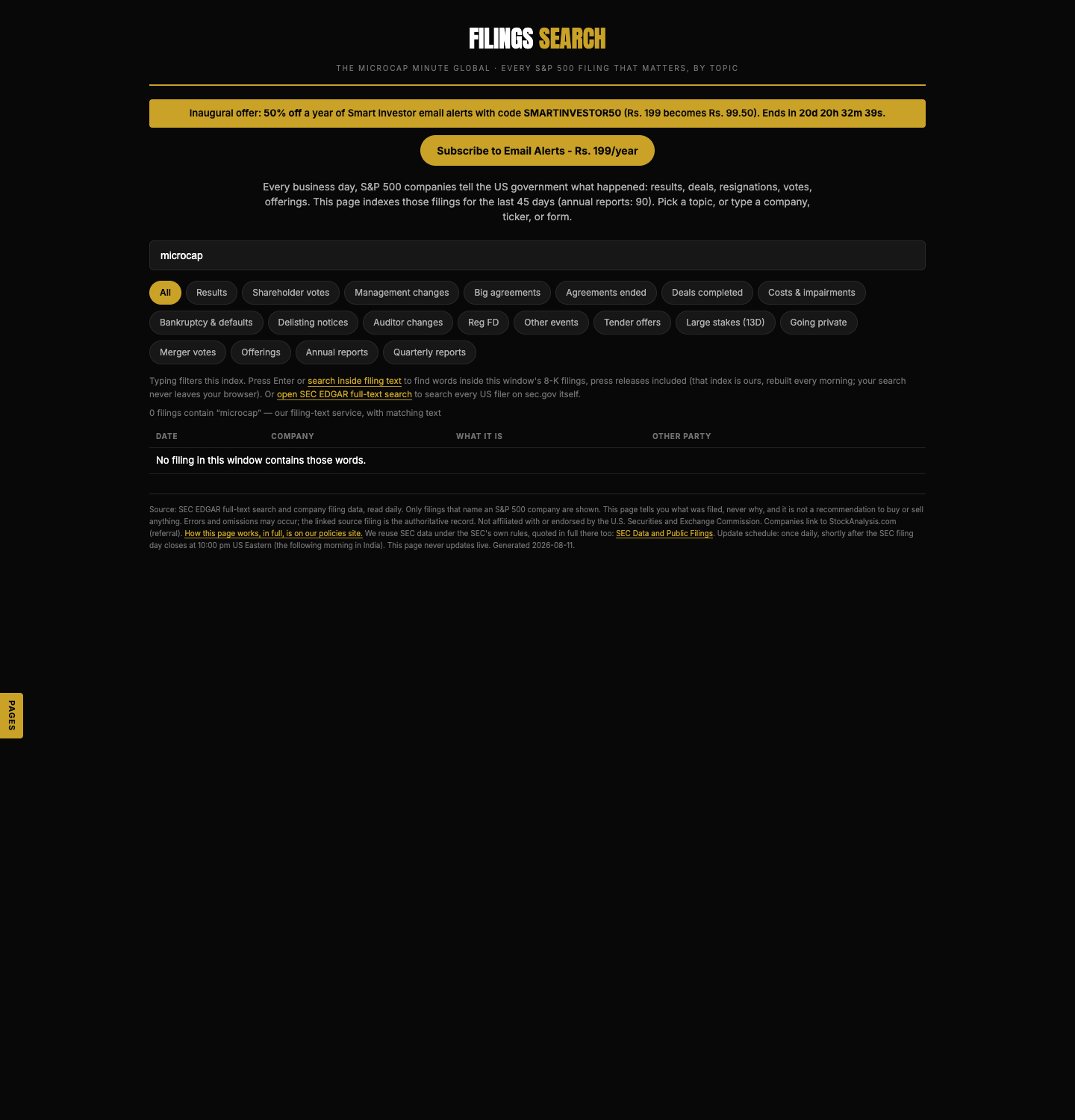
Notice the single query box sitting in front of the filings: type a company or a topic and go straight to the documents.
Yes, this step is slow. That is the point. Anyone can run a screen in two minutes; almost nobody opens the filing. Most of what this classroom teaches lives in that gap.
Try it yourself
Take one name from your Chapter 3 watchlist. Find it on EDGAR (the search box on sec.gov finds any company by name; here is Apple’s page as an example). Open its latest 10-K, find the total revenue, and compare it with the revenue shown on the company’s StockAnalysis page. Write down whether they match, and by how much.
Key takeaways
- Screener data is a copy; the filing is the signed original.
- EDGAR is free; learn three forms first: 10-K, 10-Q, 8-K.
- Verify the exact numbers your screen used before giving a company your time.
- Small mismatches are normal arithmetic; big ones are a warning about the data.
Read one real thing
EDGAR full-text search: type “customer concentration” and skim a few hits. You are reading companies’ own sworn words, not anyone’s summary of them.
Listen to this chapter
Read by Ritu, a synthetic voice from Sarvam AI